Filters

-

Docking stations

9 products

Shows 1 - 9 by 9 products

Shows 1 - 9 by 9 products
Reproduction
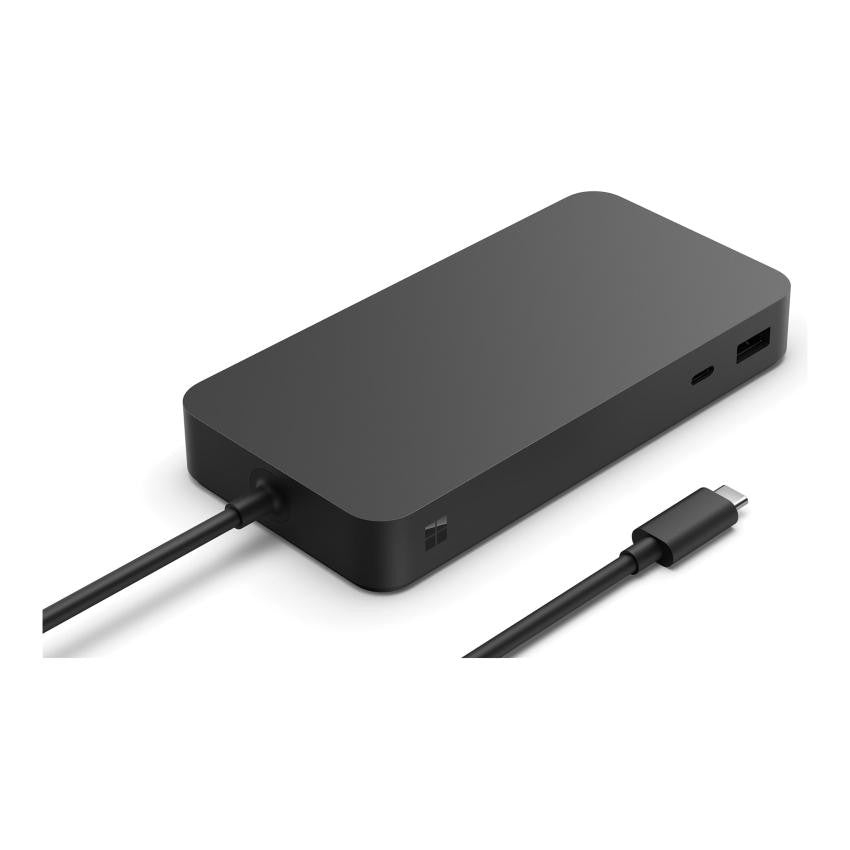
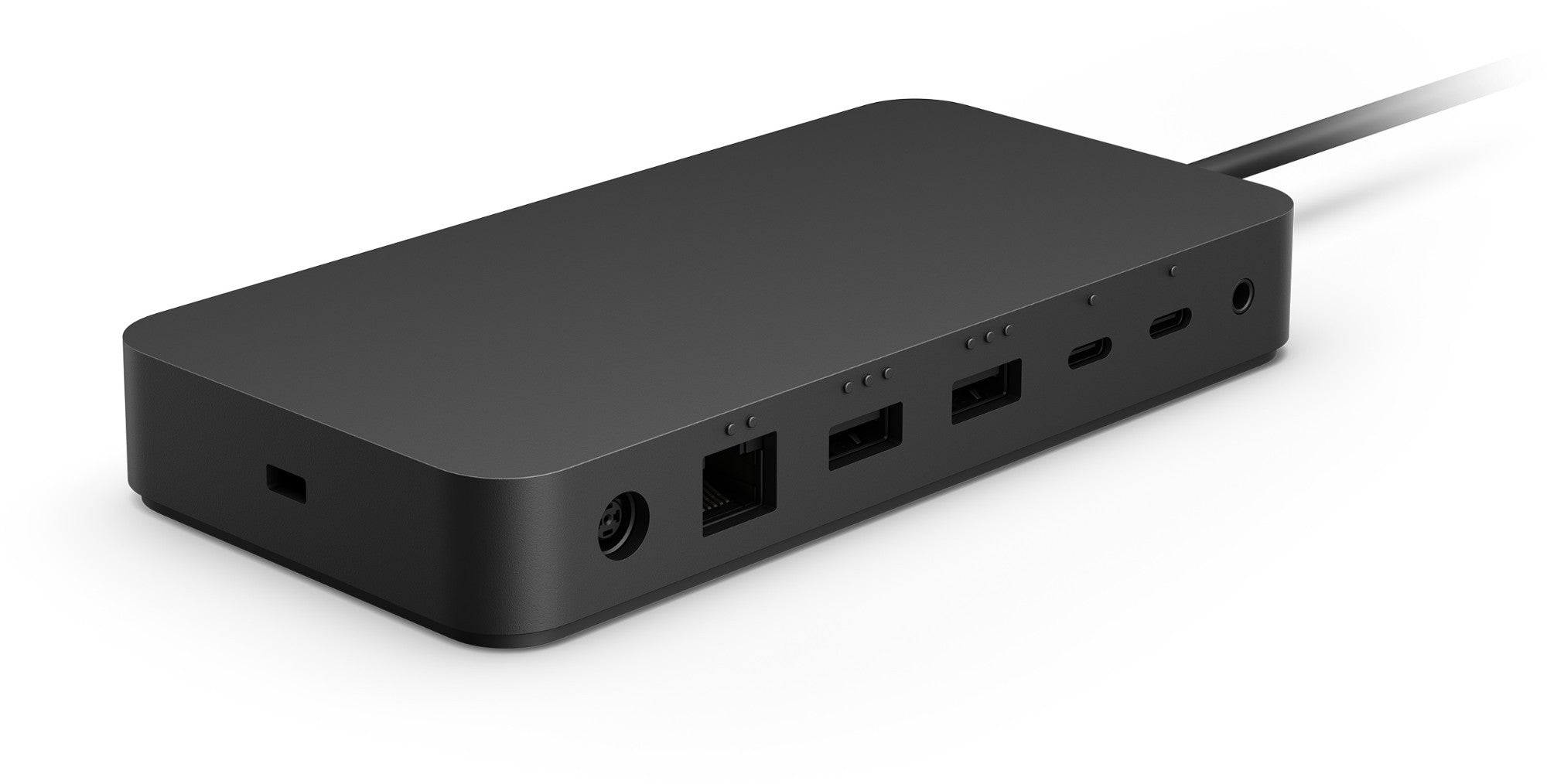
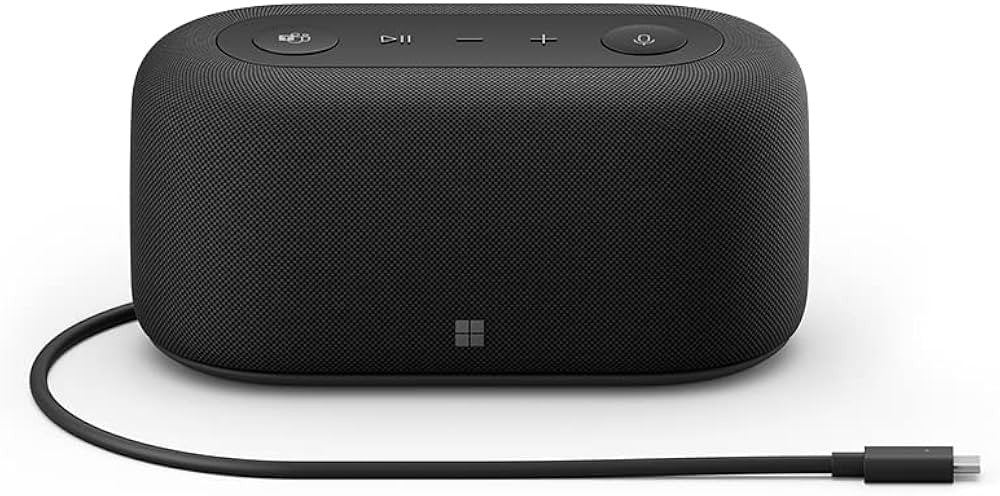
MICROSOFT SRFC TB4 Dock cm SC Zwart T8I - 00005 - CompridisMICROSOFT SRFC TB4 Dock cm SC Zwart T8I - 00005 - Compridis
Selling price€213,00
Condition: New
Only 3 left in stock
Refurbished
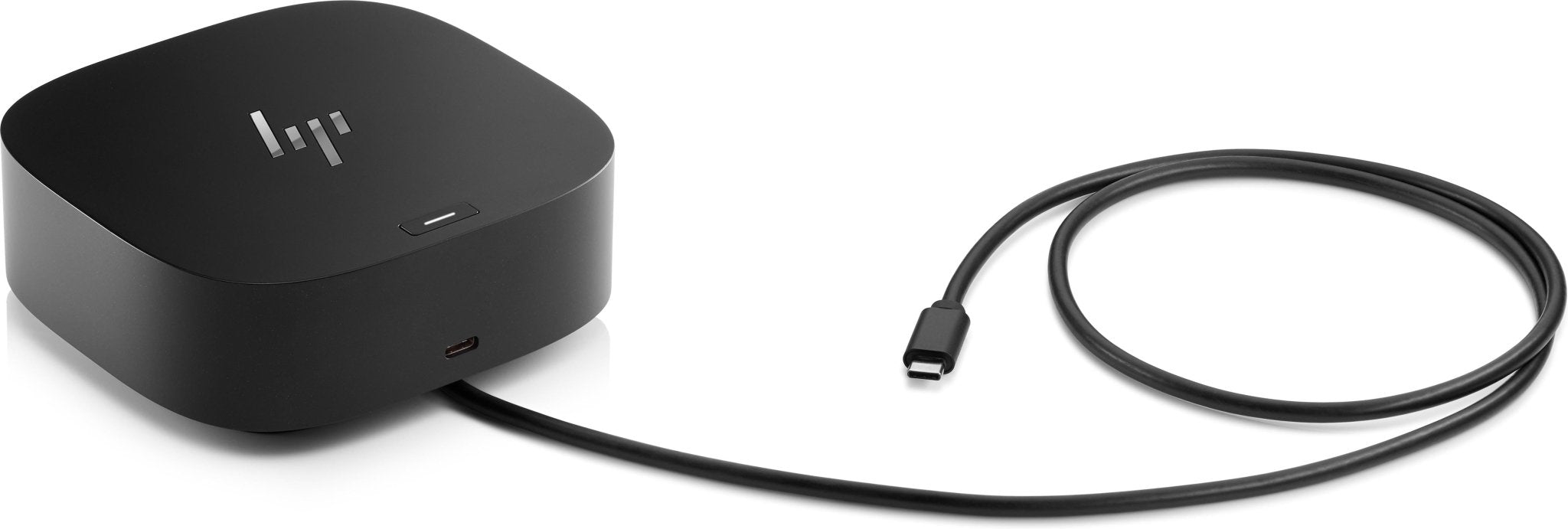
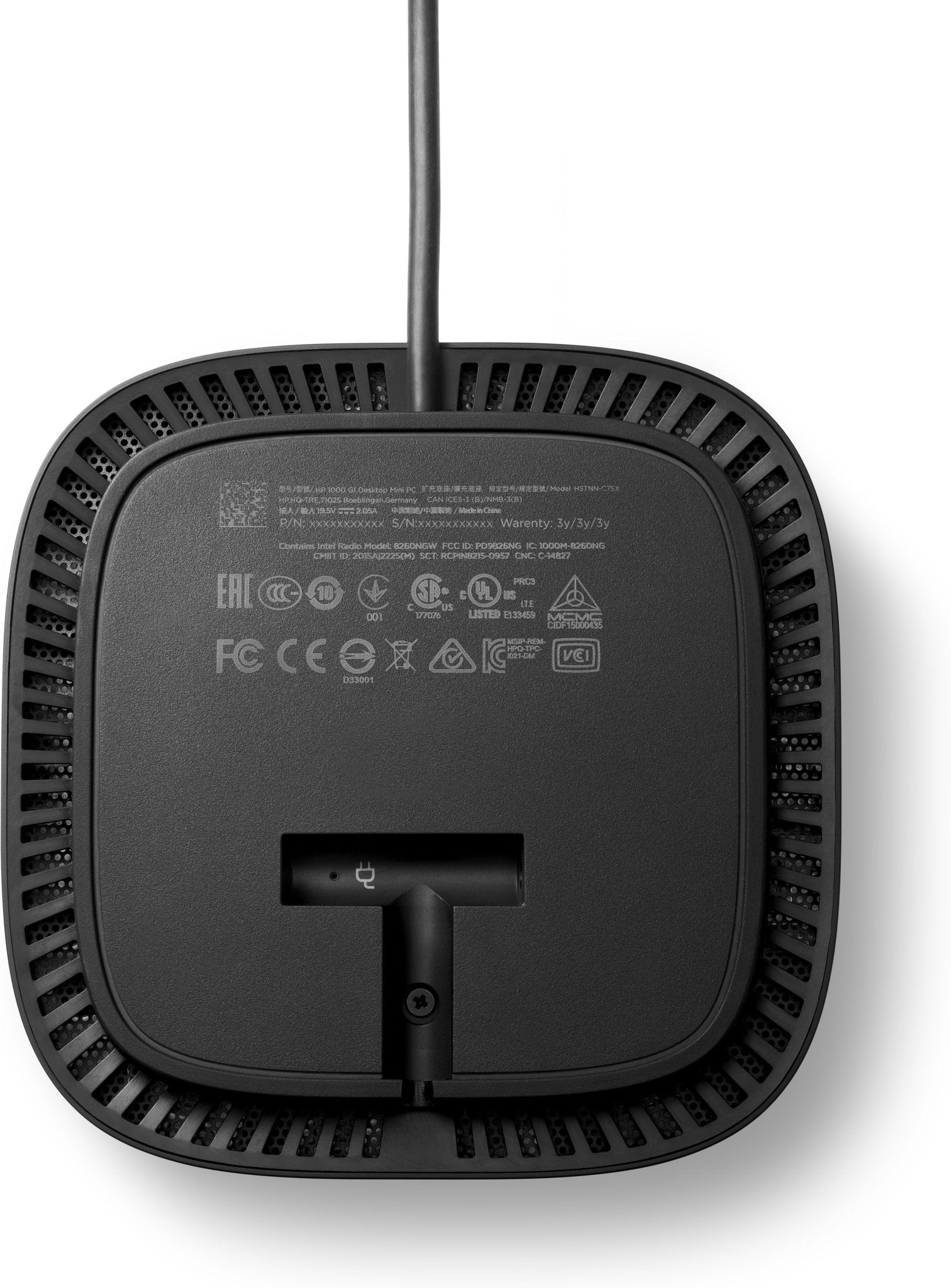
HP USB-C dock G5 5TW10AAABB - CompridisHP USB-C dock G5 5TW10AAABB - Compridis
Selling price€82,00
Condition: Silver - Refurbished
Only 2 left in stock
Refurbished
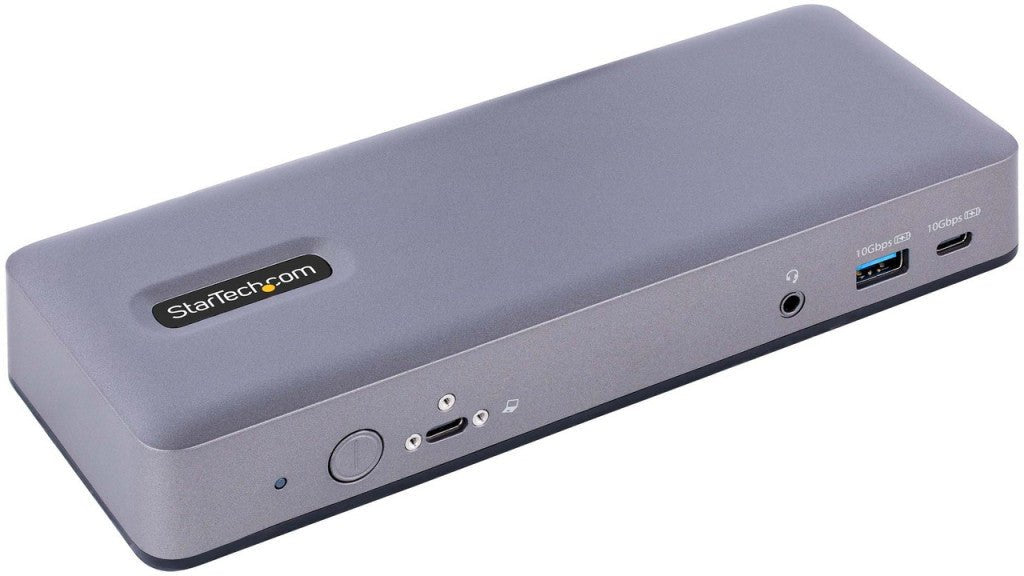
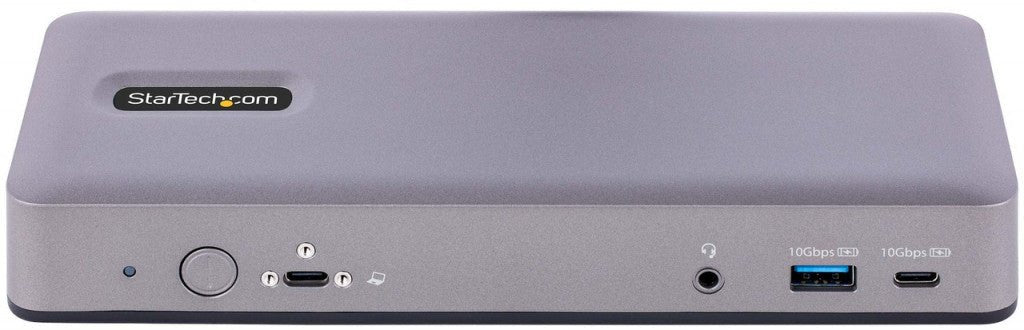
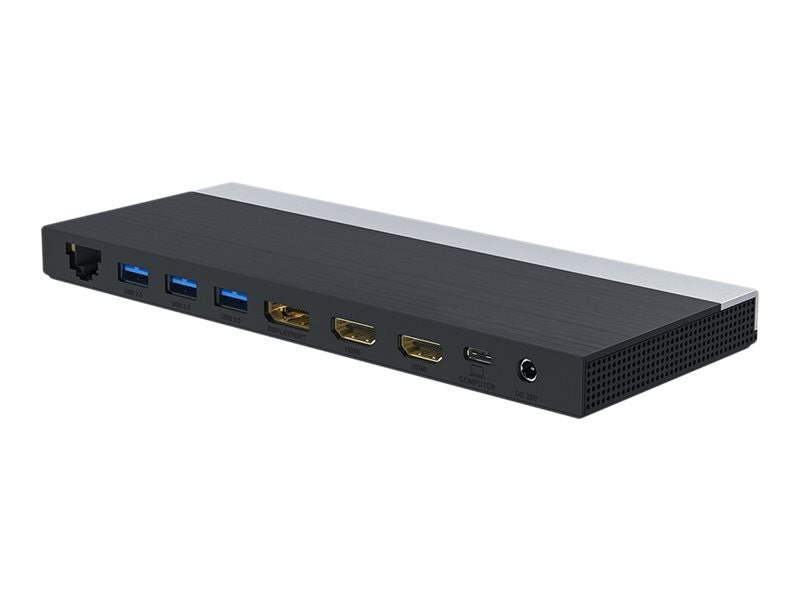
StarTech.com USB - C Docking Station, Multi Monitor USB - C Dock, HDMI/DP/DP Alt - mode, 3x 4K30 / 2x 4K60, 7 - Port USB Hub, 60W Power Delivery, GbE, 3.5mm Audio, Works With Chromebook Certified DK31C3MNCRUE - CompridisStarTech.com USB - C Docking Station, Multi Monitor USB - C Dock, HDMI/DP/DP Alt - mode, 3x 4K30 / 2x 4K60, 7 - Port USB Hub, 60W Power Delivery, GbE, 3.5mm Audio, Works With Chromebook Certified DK31C3MNCRUE - Compridis
Selling price€130,00
Condition: Silver - Refurbished
Only 1 left in stock
Poly Montageset beugel wand MT slim 2200 - 48833 - 004 - Compridis
Selling price€20,00
Condition: New
Only 1 left in stock
Refurbished
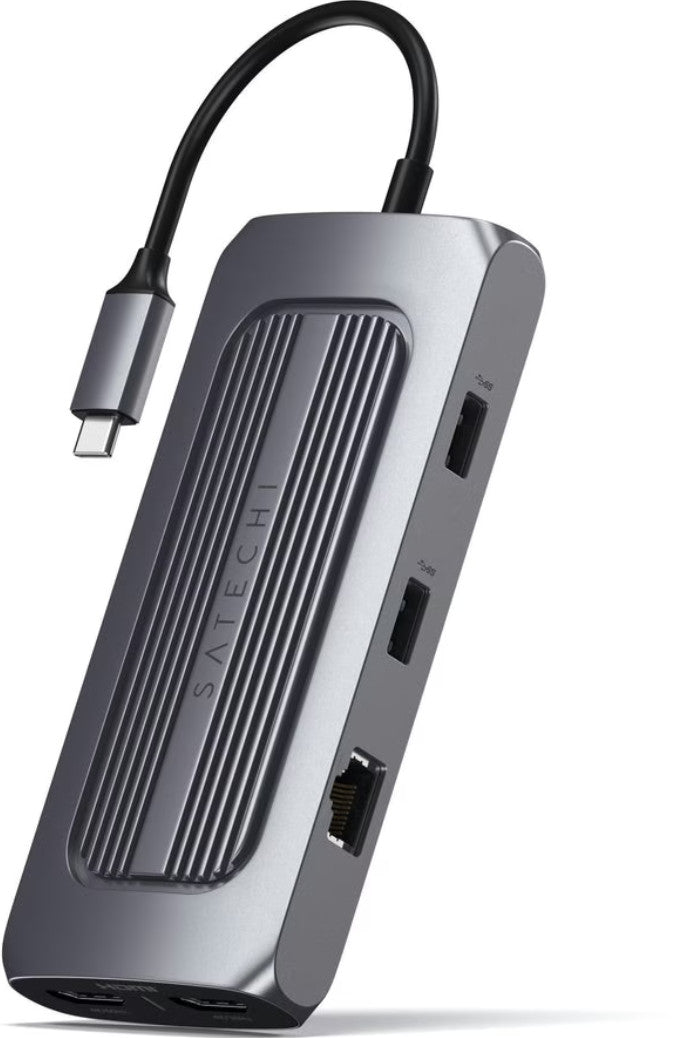
Satechi ST - UCMXAM laptop dock & poortreplicator USB 3.2 Gen 1 (3.1 Gen 1) Type - C Grijs ST - UCMXAM - Compridis
Selling price€52,00
Condition: Silver - Refurbished
Only 1 left in stock
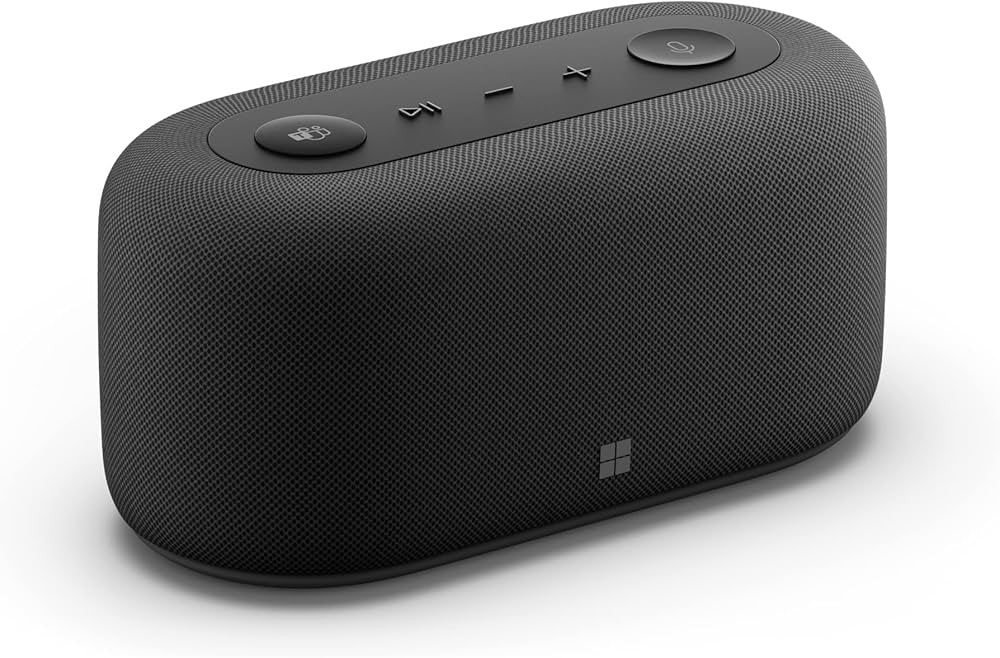
MICROSOFT MS Surface Audio Dock Com Zwart IVG - 00003 - CompridisMICROSOFT MS Surface Audio Dock Com Zwart IVG - 00003 - Compridis
Selling price€111,00
Condition: New
In stock
Refurbished
DLH USB - C dockingstation met drie schermen DY - SA5030 - Compridis
Selling price€47,00
Condition: Silver - Refurbished
Only 1 left in stock
Refurbished
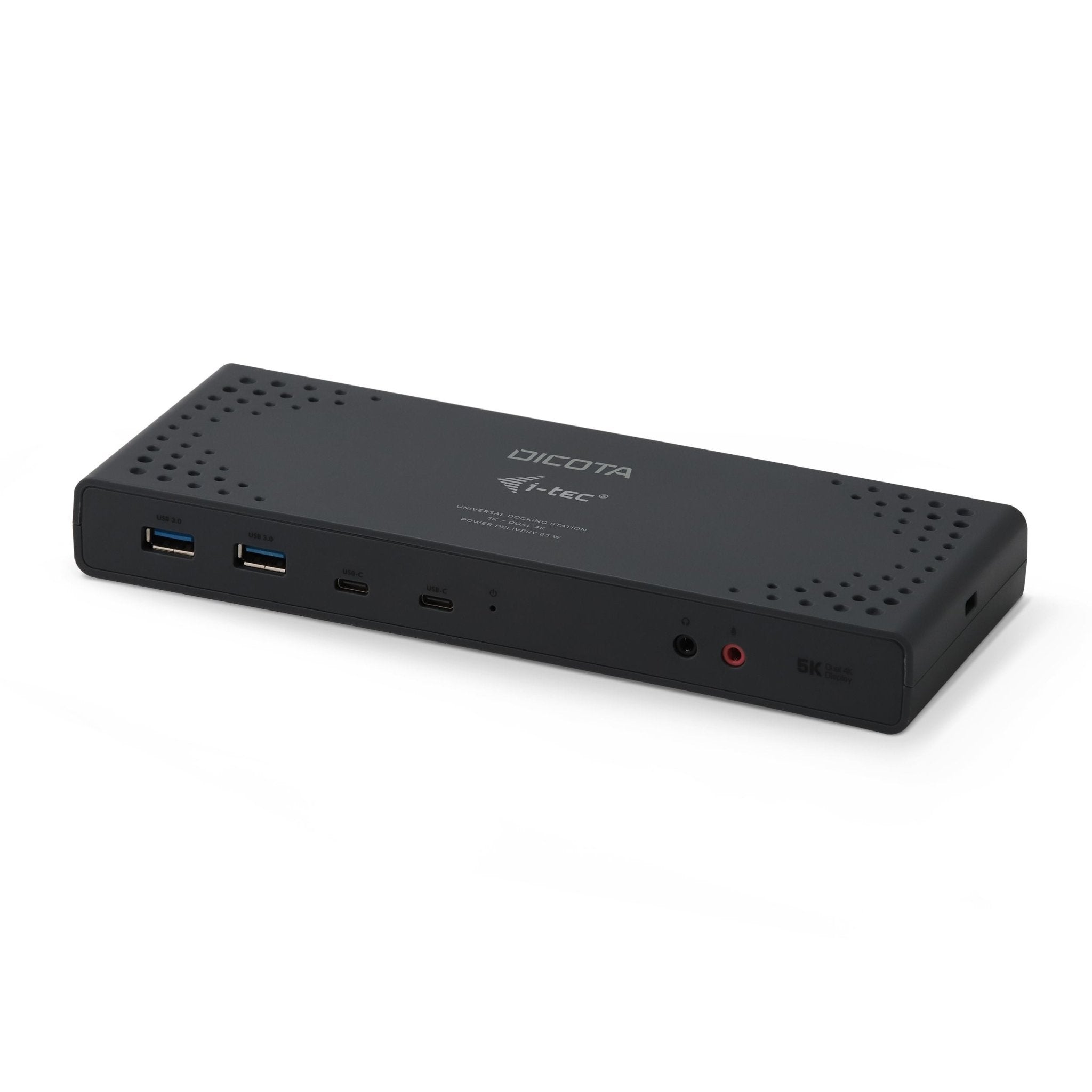
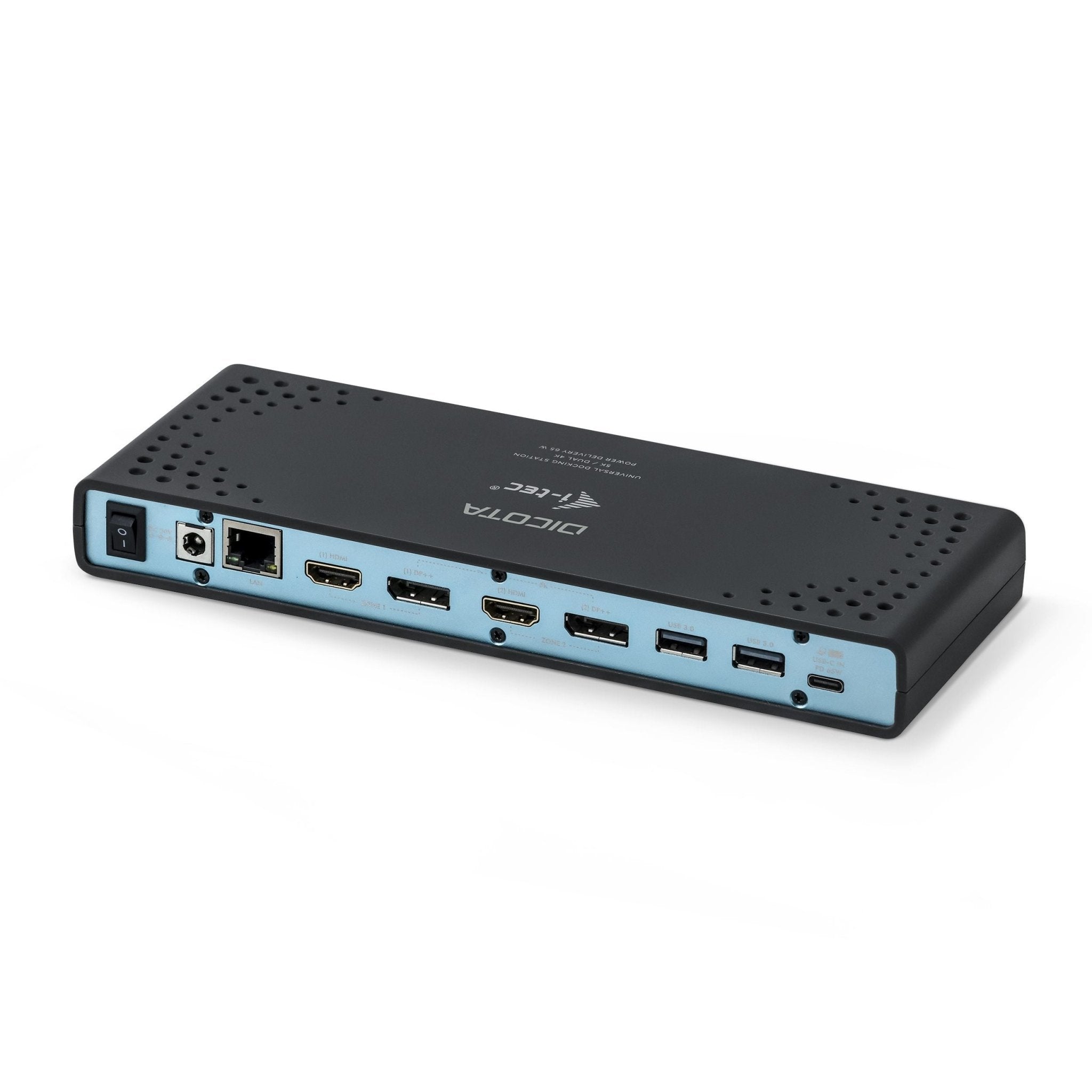
DICOTA USB - C 13 - IN - 1 dockingstation 5K HDMI/DP D31952 - CompridisDICOTA USB - C 13 - IN - 1 dockingstation 5K HDMI/DP D31952 - Compridis
Selling price€83,00
Condition: Silver - Refurbished
Only 2 left in stock
BlueBuilt USB C 8 in 1 MacBook Dockingstation Zilver BBDSM20S - Compridis
Selling price€39,00
Condition: New
In stock

Frequently Asked Questions

A docking station is a device that allows you to connect your laptop to multiple peripherals, such as monitors, keyboards, and external drives, via a single cable. It transforms your laptop into a full desktop setup, reducing cable clutter and streamlining your workflow.
Check your laptop's port compatibility, specifically looking for USB-C, Thunderbolt 3, or Thunderbolt 4 support. Ensure the docking station supports the number of monitors you intend to use and provides enough power delivery (PD) to charge your laptop.
Docking stations generally offer more ports, higher power delivery, and the ability to support multiple 4K monitors, often requiring their own power source. USB-C hubs are smaller, portable, and typically draw power from the laptop, making them better for light travel.
For dual monitors, look for a docking station with multiple DisplayPort or HDMI outputs and Thunderbolt 4 or USB-C with DisplayPort Alt Mode. This ensures high-resolution output and stable connectivity for a seamless multi-screen experience.
While many docking stations are universal, some are optimized for specific brands like Dell, HP, or Lenovo. Always verify that the connection standard (such as USB-C or Thunderbolt) matches your laptop's specifications for full functionality.
Prioritize a model with a wide variety of ports, including USB-A for peripherals, Ethernet for stable internet, and sufficient power delivery to avoid using a separate laptop charger. Consider the number of monitor outputs based on your screen requirements.
Yes, most professional docking stations feature Power Delivery (PD), which charges your laptop through the same cable used for data transfer. Check the wattage rating of the docking station to ensure it meets your laptop's power requirements.

Viewed recently